23 Why Excel Conquered the World
Despite decades of research into sophisticated decision-support systems, Excel (not specialized software) became the dominant tool for real-world decision-making. Why? As Prof. Warren Powell (Princeton) observes:
“High-quality decisions are useless unless you can (a) get the data you need into the system and (b) implement the decisions that are produced. Excel offers the flexibility that solves both.”
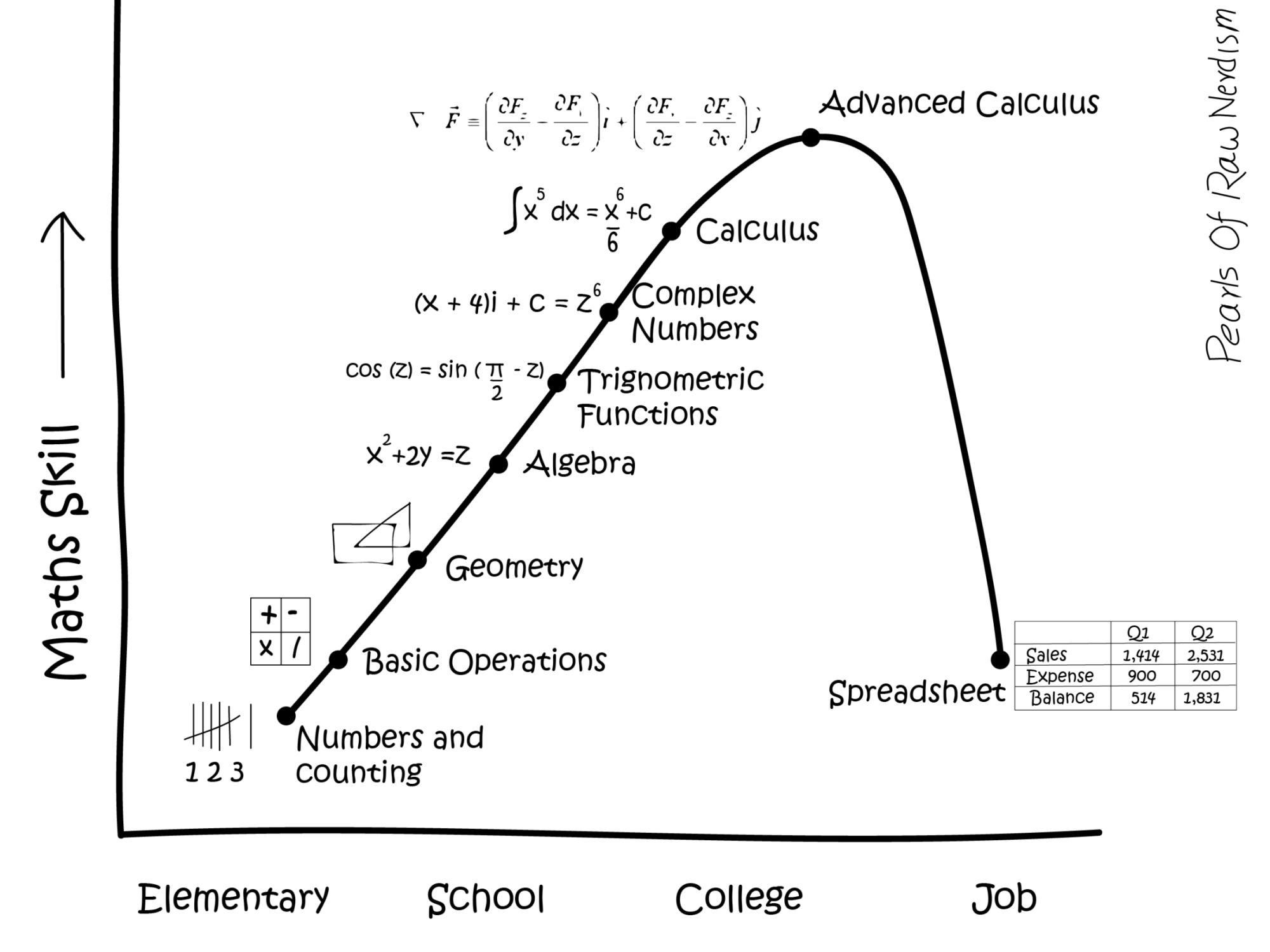
Dr. Oskar Schneider calls this “The Excel Paradox”: Excel didn’t win by faithfully implementing textbook theory. It won because it is expressive, agile, accessible, and maintainable. Spreadsheets accidentally adopted better patterns than many enterprise systems. While Excel has limitations for large-scale analysis, understanding why it succeeded (flexibility over theoretical purity, usability over complexity) will make you a better analyst regardless of what tools you eventually use.
Spreadsheet skills are among the most valuable competencies you can develop for your career. Here’s why:
- Universal adoption: Over 750 million people use Excel worldwide. It remains the standard tool in business, finance, consulting, healthcare, logistics, and virtually every industry.
- Immediate productivity: Unlike programming, Excel gives you immediate visual feedback, making it ideal for quick analyses, prototyping, and ad-hoc calculations.
- Collaboration standard: When sharing data with colleagues, clients, or stakeholders, Excel (or compatible formats) is often the expected medium.
23.1 Transferable Skills
While we focus on Microsoft Excel, the concepts and skills you learn here are transferable to other spreadsheet applications such as Google Sheets, LibreOffice Calc, and Apple Numbers. The core principles—formulas, functions, data organization, pivot tables, and charts—work similarly across all platforms. Learning Excel well means you can quickly adapt to any spreadsheet tool.
23.2 Is Excel Enough for Data Analysis?
Excel has a huge amount of useful spreadsheet functionalities, and even comes with an integrated programming language (Visual Basic for Applications—not covered in this manual). However, Excel is not ideal for “big data” (millions of data points) and tends to get slow. For large-scale data analysis, more advanced tools like Python, R, or dedicated database software are recommended.